How to Retrieve Lost iPhone Notes?
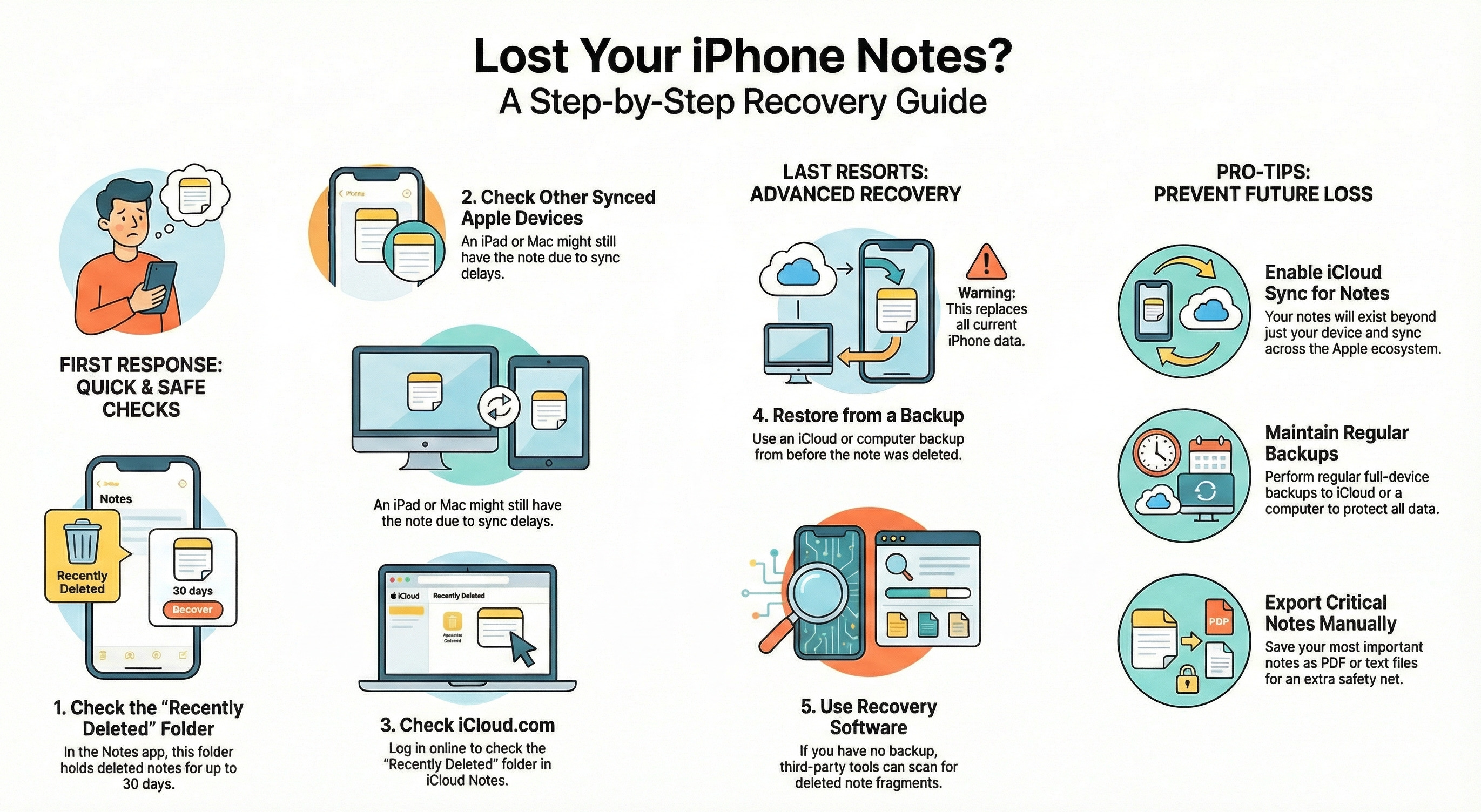
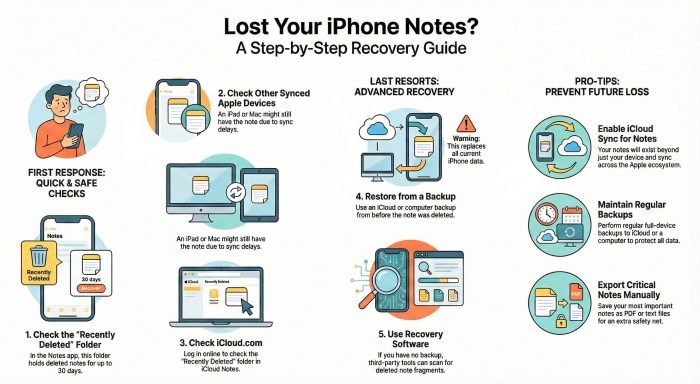
To find lost notes on iPhone, open the Notes app and go to the Recently Deleted folder, where they remain up to 30 days. It is also possible to recover notes in iCloud sync or a previous iTunes or iCloud backup in the event that the notes are backed up.